
Dolores County Court Docket Basics
A docket is the court's schedule or running activity list. In Dolores County, the public docket path starts with the Colorado Judicial Branch Docket Search. It is best for finding a hearing date, court calendar entry, case number match, party-name match, or attorney-related calendar item. It does not provide a complete file. A docket can tell a user that an arraignment, review, plea, trial setting, protection-order hearing, or payment review is scheduled, but it does not supply the full motion, exhibit, transcript, or certified order.
Dolores County uses the Dolores Combined Court for both District Court and County Court functions. District Court handles felony, divorce, probate, juvenile, mental health, and higher civil matters. County Court handles misdemeanors, traffic infractions, small claims, protection orders, lower civil matters, and felony complaints before transfer. That split matters because a docket entry may be tied to a different court level even though the public counter and phone contact are shared.
Search Dolores County Court Dockets
The Colorado docket tool says users can search with any listed field, but at least one filter in addition to date is required. For Dolores County, start with the 22nd Judicial District or the county name, then add the hearing date and another known identifier. If the docket search is not enough, use a paid register-of-actions search or a document request through the Clerk of Court.
- Open the statewide docket search and choose the 22nd Judicial District, Dolores County, or both where the form allows.
- Enter the hearing date or date range required by the form.
- Add a case number, party last name, party first name, or attorney filter so the search has more than a date.
- Review the results for court, case number, party name, event type, time, and location details.
- For document copies, move from docket search to the Judicial Branch record request form.
The Colorado Judicial Branch press release page is a separate statewide notice source, useful for closures and court-wide operational updates that can affect docket timing.
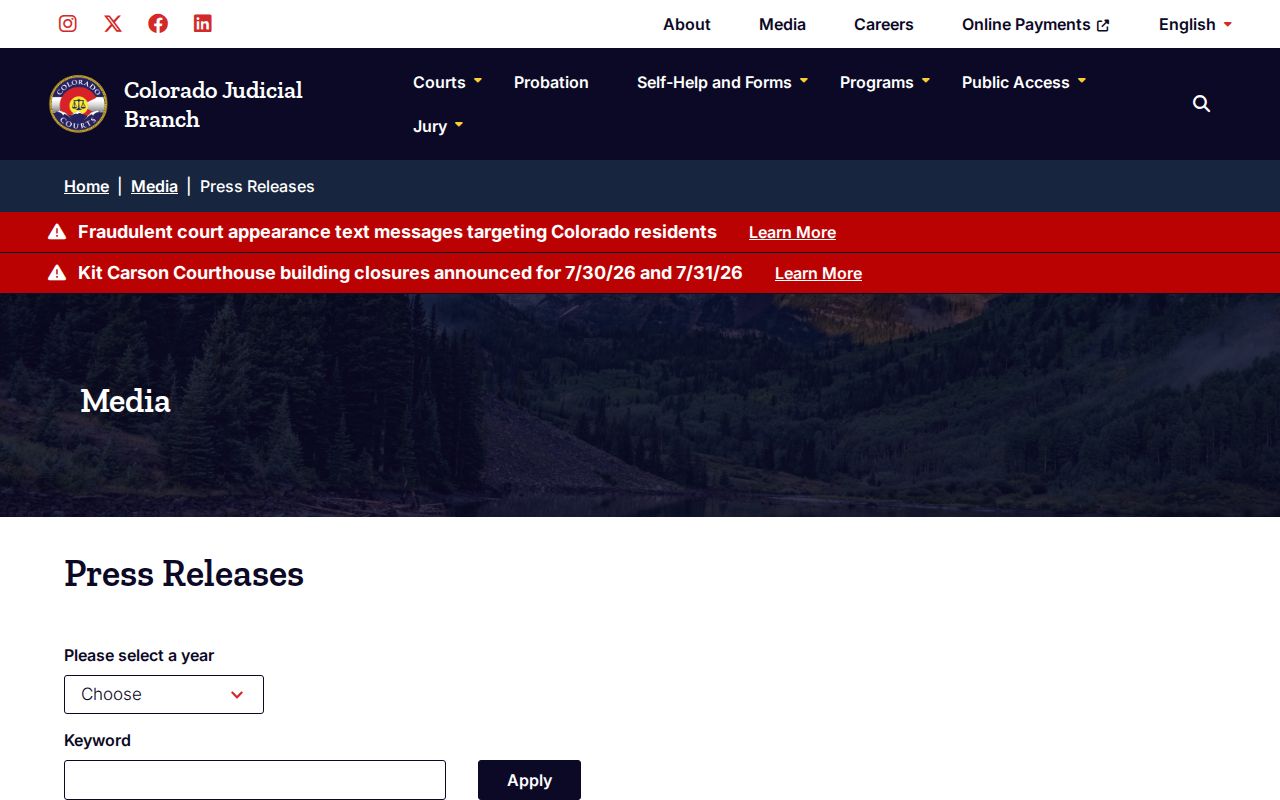
For Dolores County court dockets, closure notices and statewide operational posts can explain why a hearing or counter date may need direct verification.
Dolores County Docket Search Fields
The researched docket interface is field-driven. A broad name search can return too much, and a date-only search does not satisfy the form's rule. A case number is the cleanest search key when known. Party and attorney fields help when the exact number is missing.
| Field | What It Shows |
|---|---|
| Judicial District | Dropdown list from the 1st through 23rd Judicial District; Dolores County belongs to the 22nd. |
| County | County location filter, including Dolores County. |
| Court | District or county court choice when the form exposes court-level filtering. |
| Date | Calendar date for the hearing or docket event. |
| Case Number | Exact case identifier when known. |
| Party Name | Last and first name filters for parties listed on the case. |
| Attorney | Attorney name or bar number filter. |
Note: A Dolores County docket result is a calendar clue, not proof that every court document is public.
Dolores County Court Calendars
The Colorado hierarchy gives Dolores County a District Court and a County Court at the same combined court location. District Court docket entries may involve felony criminal cases, divorce, domestic relations, probate, juvenile, mental health, and civil matters in any amount. County Court docket entries may involve misdemeanors, traffic infractions, small claims, protection orders, lower civil disputes, and felony complaints before transfer.
- District Court calendars can include felony, civil, domestic, juvenile, probate, and mental health hearings.
- County Court calendars can include misdemeanor, traffic, small claims, lower civil, and protection-order hearings.
- Municipal ordinance matters, if any, may sit outside the state trial court docket path.
- County Court appeals can move to District Court, while District Court appeals usually go to the Colorado Court of Appeals.
The Census profile assigned in the manifest gives local context for a very small county where limited counter hours and remote options matter.
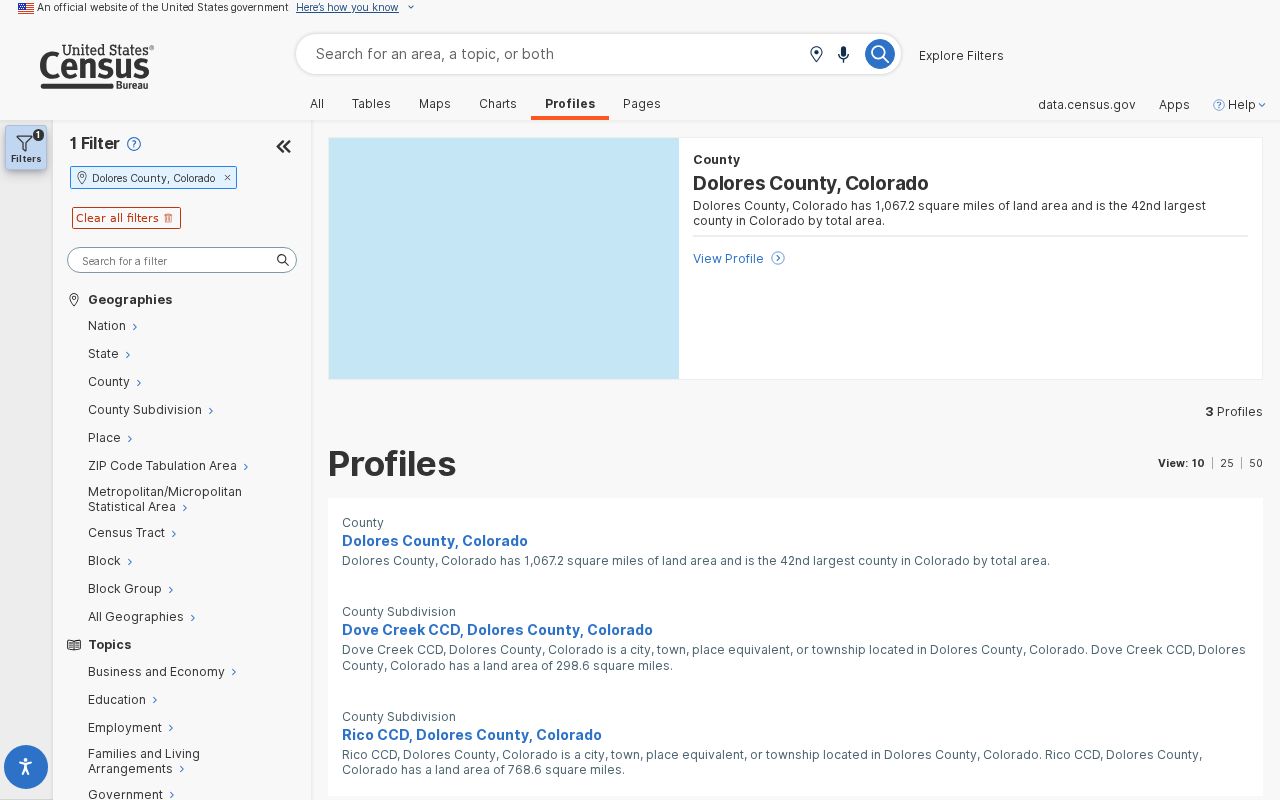
That local scale helps explain why Dolores County docket checks should be paired with phone verification when travel or a same-day filing is involved.
Dolores County Webex Rules
The local court page gives two highly practical docket facts. First, Webex virtual appearance procedures are governed by Administrative Order 2024-09, and a motion to appear by Webex must be filed at least 48 hours before the hearing. That means a docket entry showing a hearing does not by itself authorize remote appearance. A party who wants Webex should file the required motion and confirm the court's ruling.
Second, protection-order requests must be filed by 3:00 p.m. to be heard the same day. Protection orders filed after that cutoff are heard the next court day. If Dolores County Court is closed, the court page says protection orders may be filed in Montezuma County. This matters because the Dolores counter is closed several weekdays under the regular public schedule.
| Local Issue | Dolores County Docket Effect |
|---|---|
| Webex appearance | Motion required at least 48 hours before the hearing under the local administrative order reference. |
| Protection order cutoff | File by 3:00 p.m. for same-day hearing consideration. |
| After cutoff | Heard the next court day. |
| Dolores court closed | Protection-order filing may route to Montezuma County. |
Dockets vs Case Records
A Dolores County docket entry and a full court record answer different questions. Dockets help answer "when is court" or "what event is next." A full case record answers "what was filed, ordered, decided, or certified." The distinction is important for criminal, traffic, divorce, probate, and civil users because court calendars rarely include the full text of pleadings, evidence, or orders.
| Docket | Full Case Record | |
|---|---|---|
| Format | Calendar or event list | Documents, orders, filings, ROA, and certified copies |
| Best For | Hearing date, event type, court level | Legal text, disposition, decree, ticket, probate letters |
| Access | Free statewide docket search | Record request, clerk contact, or paid register of actions |
| Limits | Not a full file | May be sealed, restricted, redacted, or fee-based |
For broad case access rather than calendar lookup, use the Dolores County court records workflow.
Read Dolores County Docket Entries
Common docket terms are short, but they carry real meaning. An arraignment is a hearing where criminal charges are read and a plea may be entered. A motion is a request for a court order. A disposition is the outcome of a charge, claim, or case. A continuance means the hearing or deadline was moved. A bench warrant entry may signal a failure to appear or comply, but the docket is not a real-time law-enforcement warrant database.
Case class can also help sort a docket result. Colorado records may use CR for criminal, M for misdemeanor, T for traffic, DR for domestic relations, JV or JD for juvenile, CV or C for civil, S for small claims, and PR for probate. The exact class depends on the system and court level. If the class does not match the expected record type, verify the case with the Clerk of Court before relying on the result.
Scam risk also matters. The research file notes statewide Colorado court text-scam warnings. Anyone receiving a text about a court date, warrant, or payment should verify through the official docket, the Colorado Online Payment System, or Dolores Combined Court. Small-county users should be especially careful because a real docket may still need clerk confirmation due to limited local hours.